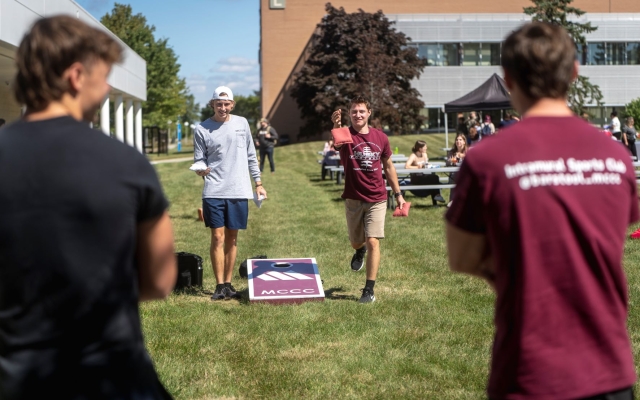

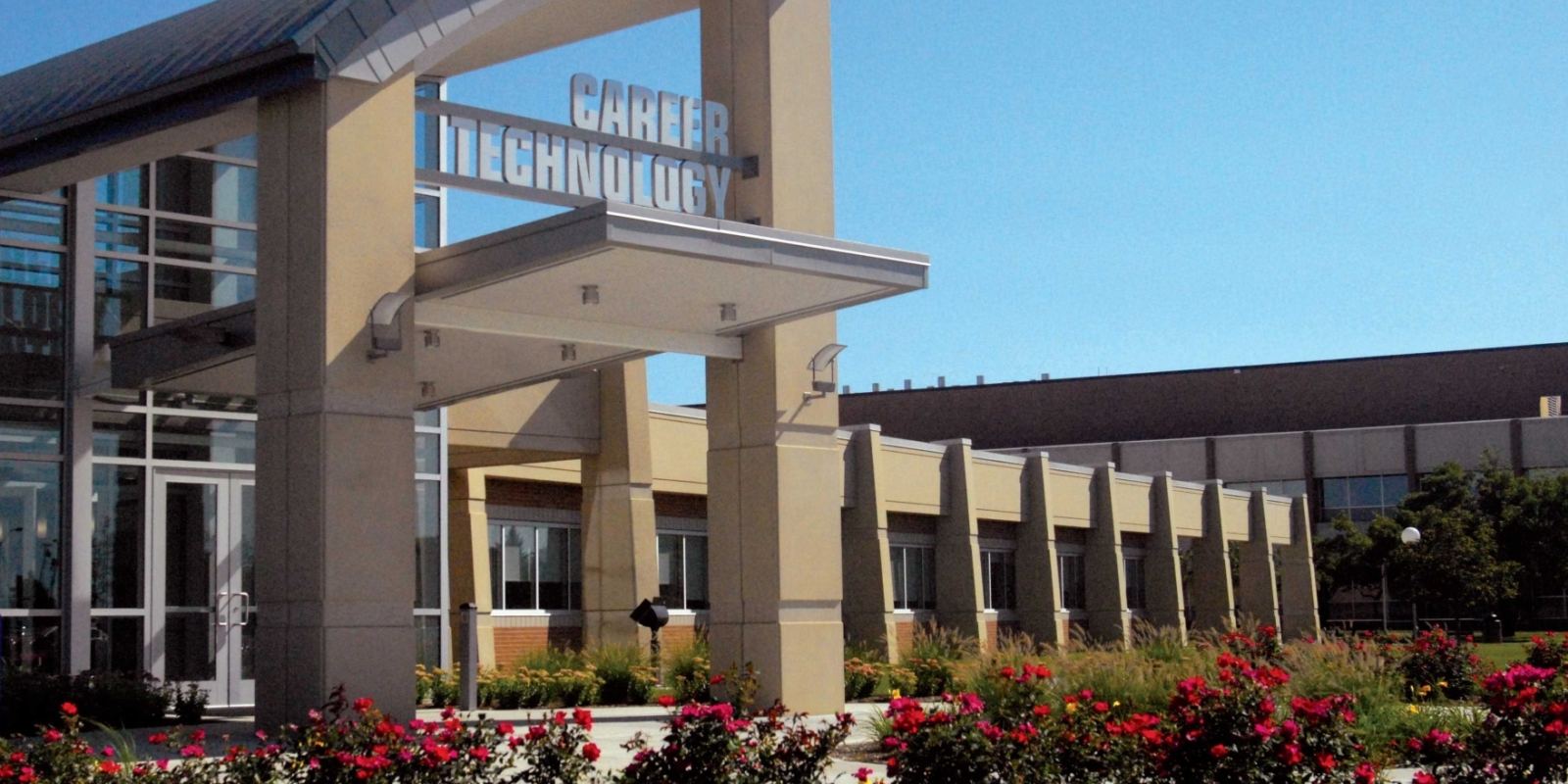
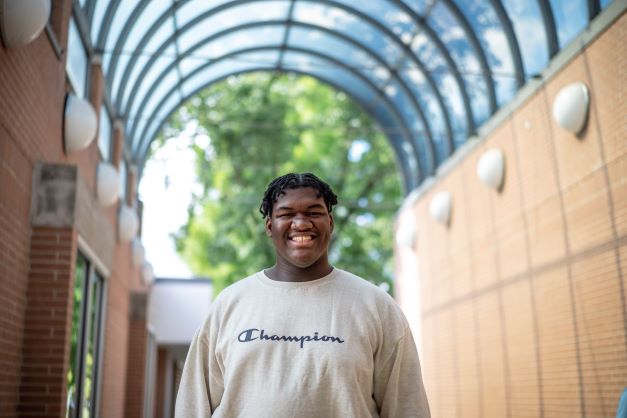
 At MCCC, every passion has a pathway. With our wide range of degree, certification and transfer programs, low-cost tuition, campus community, clubs and activities, MCCC is a safe place to explore, network and uncover your pathway to a future with purpose. We'll work directly with you to set your dreams in motion, without all the accompanying debt. Enroll today!
Michigan Reconnect
If you are age 21 or older and don't have a college degree, you could attend Monroe County Community College TUITION-FREE through the state's Michigan Reconnect program.